

Most people think a laptop is just a laptop.
But in reality, there are many different types of laptops and choosing the wrong one can waste your money or limit your work.
This guide breaks down all major laptop types, explains their real-world use and helps you understand which type of laptop actually fits your needs.
What is a Laptop Computer?
A laptop computer is a portable personal computer designed to handle everything from basic browsing to high-end professional work.
Display: Ranges from 11 to 17 inches, providing a high-quality visual experience for work, entertainment, and gaming.
Keyboard: Built-in for easy typing, often featuring shortcut keys for efficiency.
Touchpad: Acts as a built-in mouse, allowing smooth navigation and gesture controls.
Internal Components: Includes the CPU, RAM, and storage (HDD/SSD), which handle processing, memory, and data storage.
Battery: A rechargeable battery allows portable use for several hours without plugging in.
Connectivity: Features USB ports, HDMI, Wi-Fi, and Bluetooth for connecting external devices and networks.
Built-in Peripherals: Many laptops include a webcam, microphone, and speakers for video calls and multimedia.
But here’s the important part: Not all laptops are built for the same purpose.
Some are designed for portability, others for performance and some for specific users like gamers or business professionals.
That’s why understanding laptop categories is essential before buying.
Types of Laptops:
1. Notebook Laptop (Traditional Laptop)
Description:
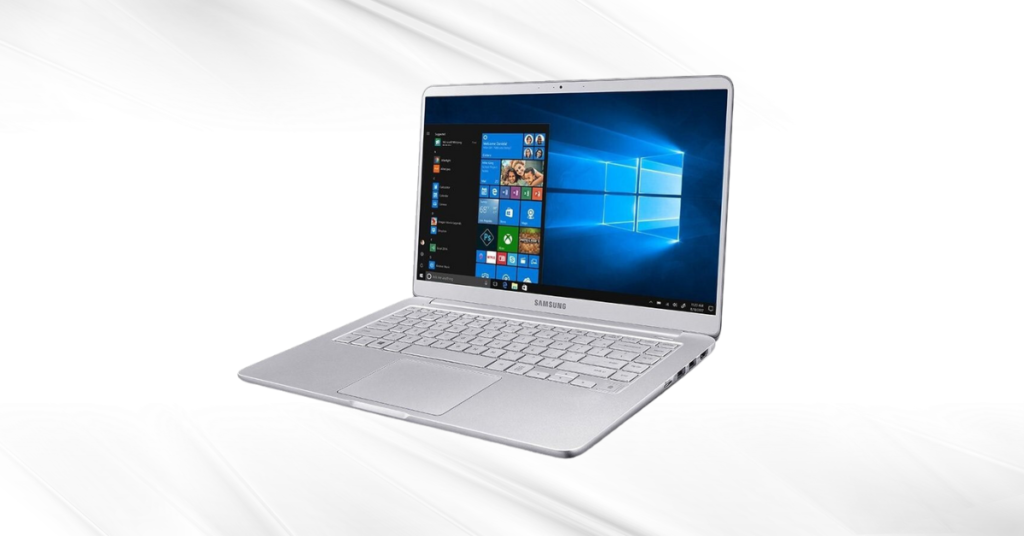
A notebook laptop is the most common type of laptop computer, designed for everyday use. It falls under general-purpose laptop categories and is suitable for a wide range of basic tasks.
What you should know:
- Portability: Easy to carry, not too heavy, ideal for daily use
- Performance: Good enough for browsing, office work and light tasks
- Screen Size: Usually between 13 to 15 inches
- Upgrade Options: Some models allow RAM and storage upgrades
- Battery Life: Average, suitable for regular daily usage
- Price Range: Affordable compared to other laptop types
Best for: Students, office workers and home users looking for a balanced laptop type
2. Gaming Laptops
Description:
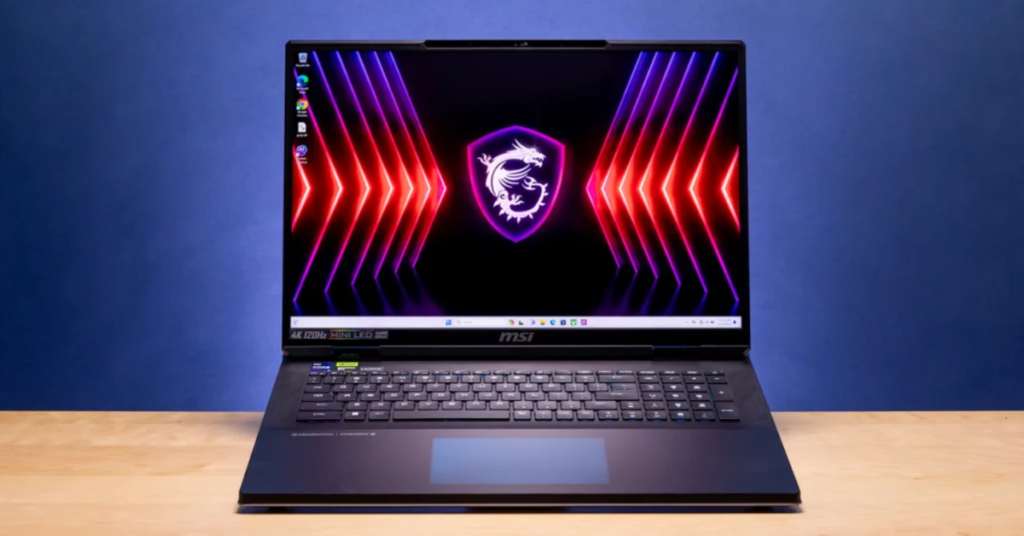
A gaming laptop is a high-performance laptop type built for intensive tasks like gaming, video editing and 3D work. It is one of the most powerful types of laptops available.
What you should know:
- Performance: Equipped with powerful CPUs and GPUs (NVIDIA GTX/RTX or AMD Radeon)
- Graphics: Designed for high-end graphics and smooth gameplay
- Cooling System: Advanced cooling to handle heat during long sessions
- Display: High refresh rate (120Hz–300Hz) for smooth visuals
- Customization: RGB keyboards and gaming-focused design
- Price Range: Expensive due to high-end specifications
Best for: Gamers, video editors and users needing high-performance laptop types
3. Workstation Laptops
Description:
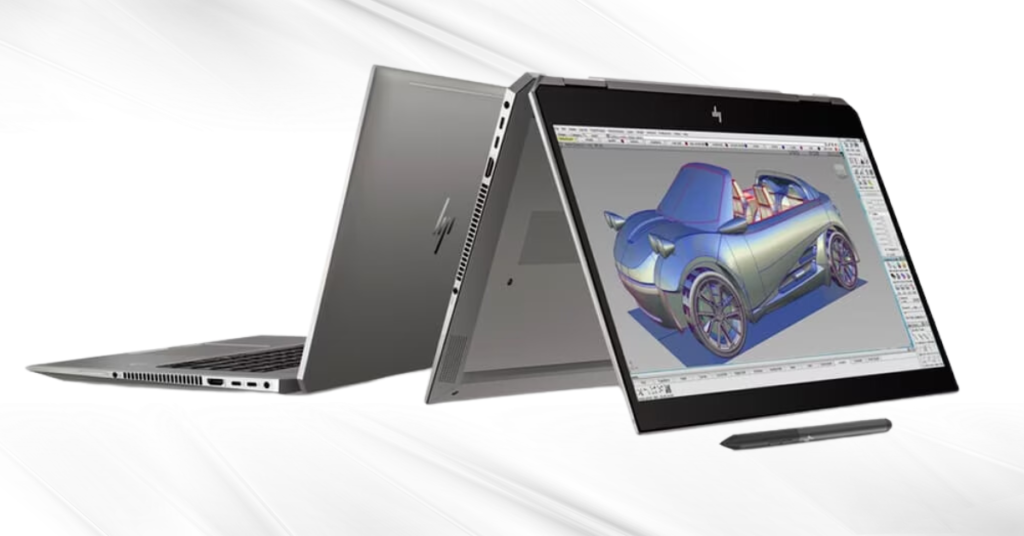
A workstation laptop is a professional-grade laptop category designed for heavy computing tasks like 3D modeling, simulations and advanced editing.
What you should know:
- Performance: High-end processors like Intel Core i9 or Xeon
- RAM & Storage: Large RAM (32GB–64GB) and fast SSD storage
- Graphics: Professional GPUs like NVIDIA Quadro
- Reliability: Often ISV-certified for professional software
- Usage Level: Built for continuous heavy workloads
- Price Range: High due to premium hardware
Best for: Engineers, designers, architects and professional users
4. Business Laptops
Description:
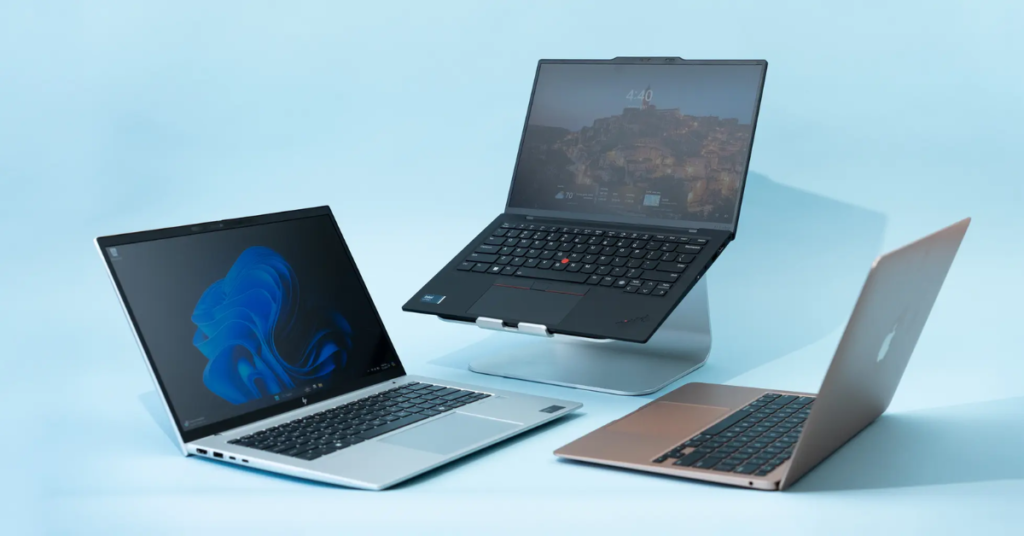
A business laptop is a secure and reliable type of laptop designed for professional environments, focusing on durability and data protection.
What you should know:
- Security: Includes fingerprint scanners, TPM and privacy features
- Durability: Often tested for long-term use (MIL-STD standards)
- Battery Life: Long-lasting (8–12 hours) for workdays
- Performance: Stable for office applications and multitasking
- Software: Comes with business and enterprise tools
- Build Quality: Strong and travel-friendly
Best for: Corporate users and professionals needing secure laptop types
5. Ultrabook Laptop
Description:
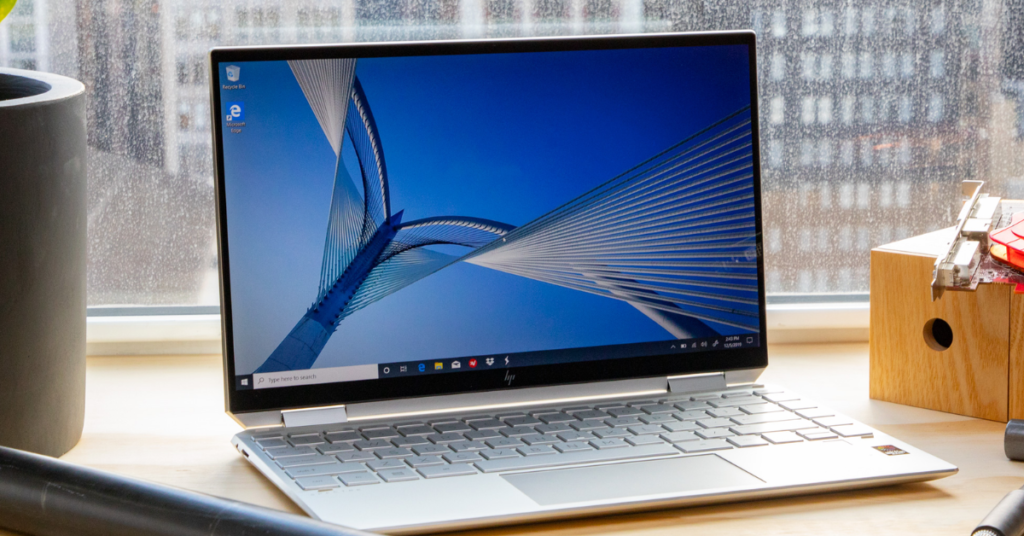
An ultrabook is a premium laptop type known for its thin design, lightweight body and high portability.
What you should know:
- Portability: Extremely lightweight (2–3 pounds)
- Performance: Fast performance with SSD and modern processors
- Battery Life: Long-lasting (8–12 hours)
- Design: Slim, stylish and premium materials
- Ports: Limited ports due to thin design
- Speed: Fast boot and smooth performance
Best for: Travelers, students and professionals who need portability
6. Chromebook
Description:
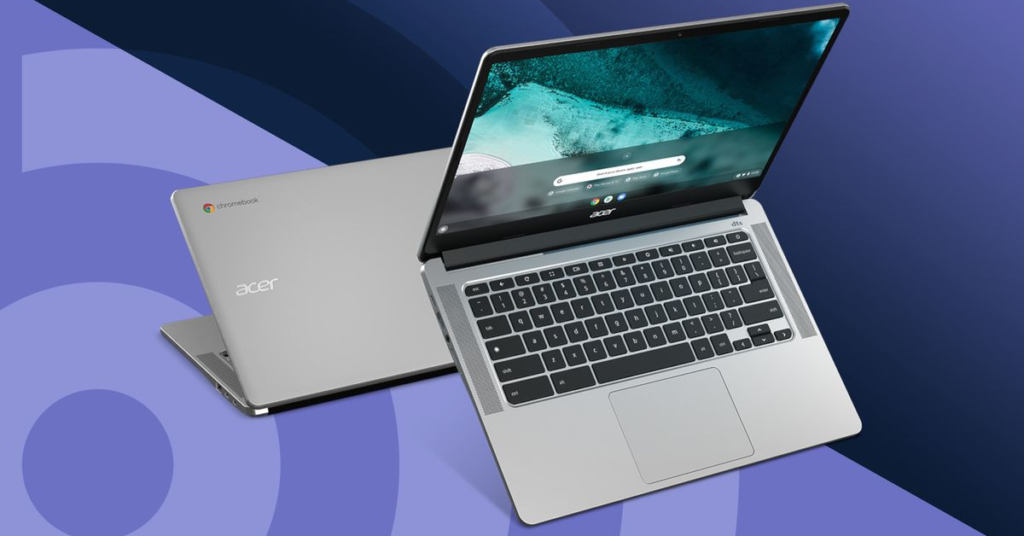
A Chromebook is a lightweight laptop category that runs on Chrome OS and is designed mainly for online and cloud-based tasks.
What you should know:
- Operating System: Chrome OS (web-based)
- Performance: Suitable for basic tasks like browsing and streaming
- Storage: Cloud-focused with limited local storage
- Security: High security with automatic updates
- Battery Life: Long-lasting due to lightweight system
- Price Range: Budget-friendly
Best for: Students and users who need simple, low-cost laptop types
7. MacBook
Description:
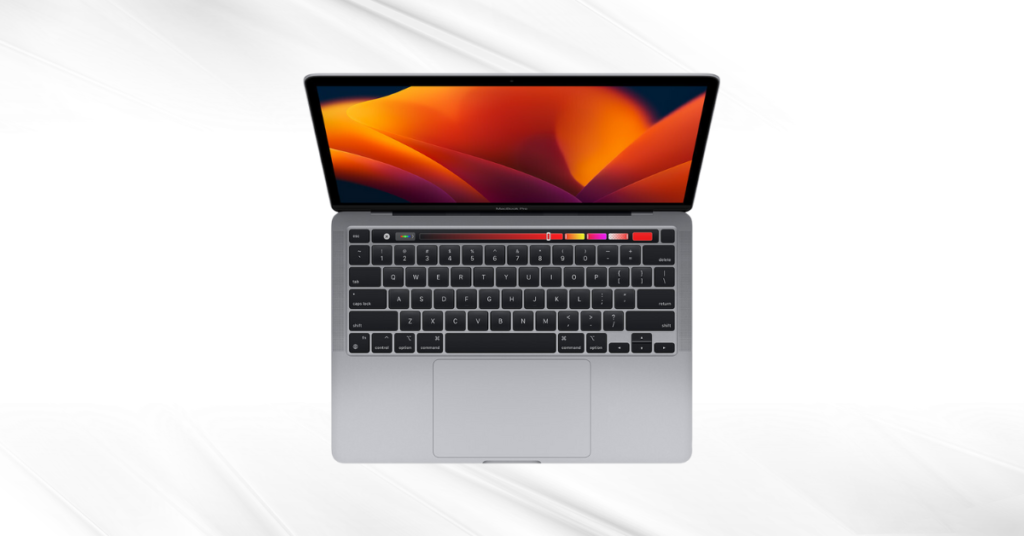
A MacBook is Apple’s premium type of laptop computer, known for its high-end performance, design and macOS ecosystem.
What you should know:
- Operating System: macOS with smooth integration
- Performance: Powered by Apple Silicon (M1/M2/M3)
- Build Quality: Premium aluminum design
- Display: Retina display with excellent color accuracy
- Ecosystem: Works seamlessly with other Apple devices
- Price Range: Expensive compared to other laptop categories
Best for: Creatives, professionals and Apple ecosystem users
8. Notebook
Description:
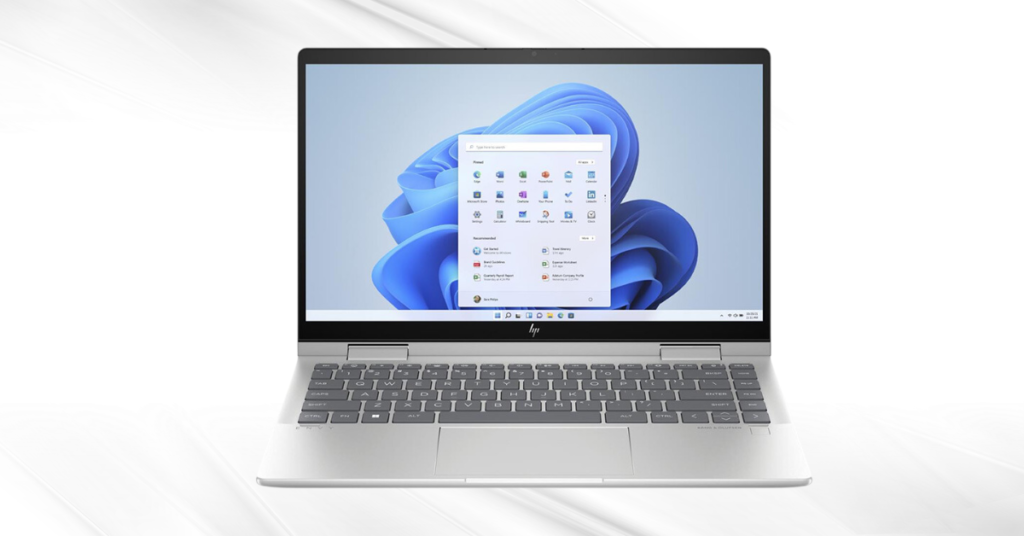
A netbook is a small and affordable laptop type designed for basic computing tasks.
What you should know:
- Performance: Limited, suitable for simple tasks
- Storage: Small SSD or eMMC (32GB–128GB)
- Portability: Very lightweight and compact
- Screen Size: Usually 10–12 inches
- Battery Life: Good for basic usage
- Price Range: Very low-cost
Best for: Basic users, online learning and simple tasks
9. Subnotebook
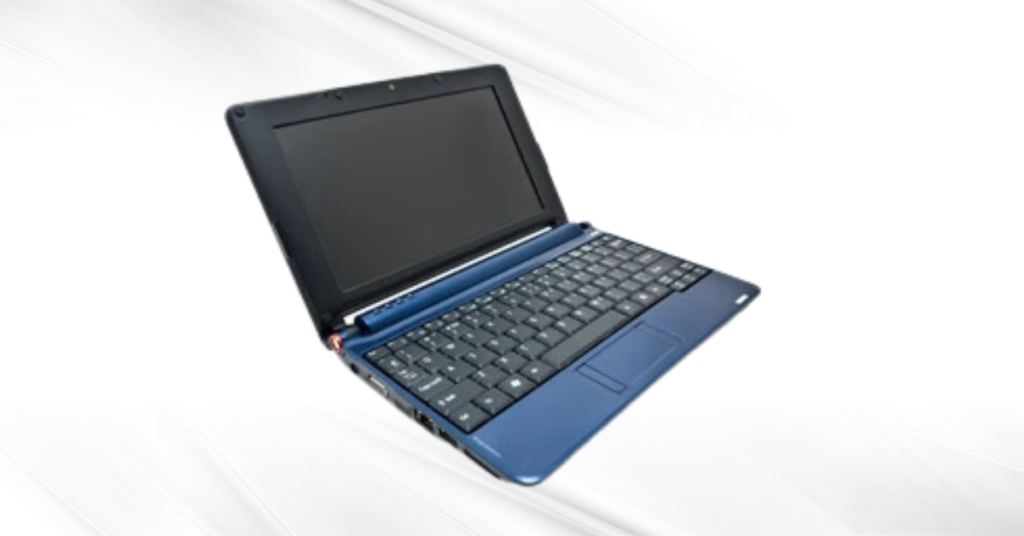
Description:
A subnotebook is an ultra-portable type of laptop that is smaller and lighter than standard notebooks.
What you should know:
- Portability: Extremely compact and lightweight
- Performance: Moderate, suitable for basic tasks
- Battery Life: Long-lasting (8–12 hours or more)
- Design: Slim and travel-friendly
- Usage: Focus on mobility rather than power
- Price Range: Varies from budget to premium
Best for: Travelers and users who prioritize portability
10. 2-in-1 Laptop (Convertible/Hybrid Laptop)
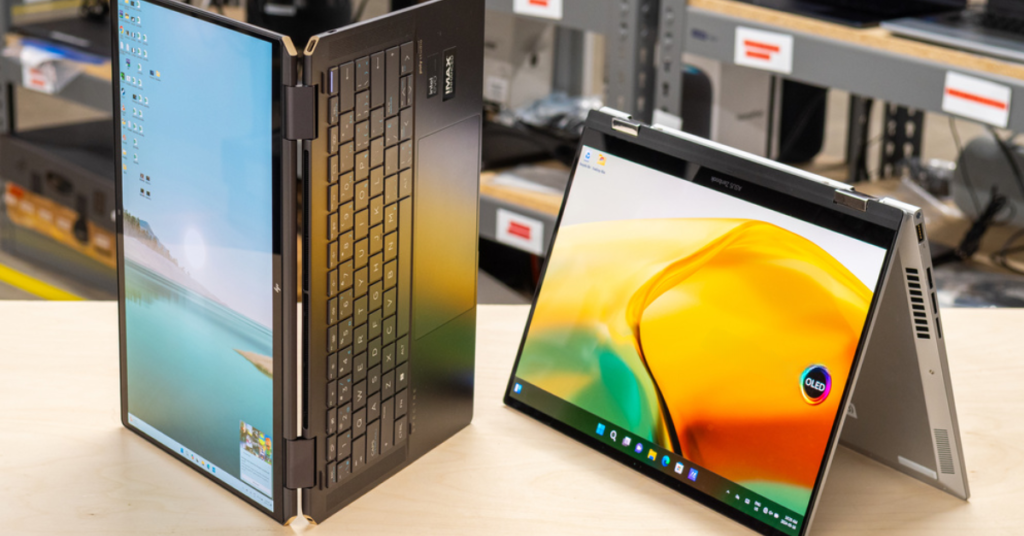
Description:
A 2-in-1 laptop is a flexible laptop type that can work as both a laptop and a tablet.
What you should know:
- Design: Convertible or detachable design
- Touchscreen: Supports touch and stylus input
- Modes: Laptop, tablet, tent, and presentation modes
- Performance: Mid-range to high-end
- Battery Life: Around 7–10 hours
- Flexibility: Suitable for multiple use cases
Best for: Students, professionals, and creative users
Explore history of laptops. Discover how each advancement in technology brought us closer to the modern laptop experience.
Which Laptop Type is Right For You?
Summary Table:
| User Type | Recommended Laptop Type | Key Features |
| General Users | Notebook (Traditional Laptop) | Balanced performance, affordable, everyday use |
| Students / Travelers | Ultrabook (Thin & Lightweight Laptop) | Portable, long battery life, fast performance |
| Gamers | Gaming Laptop | High-end GPU, fast refresh rate, strong cooling |
| Creative Professionals | Workstation / High-End Laptop | Powerful CPU, high RAM, accurate display |
| Light Users | Chromebook / Netbook | Budget-friendly, simple, cloud-based |
| Artists / Designers | 2-in-1 Convertible Laptop | Touchscreen, stylus support, flexible modes |
| Business Professionals | Business Laptop | Security features, durability, long battery |
| Field Workers | Rugged Laptop | Shock-resistant, durable for harsh environments |
| Power Users | High-Performance Laptop | Desktop-level performance, large display |
Conclusion
Understanding the different types of laptops is not just about knowing names, it’s about matching the right laptop type to your actual needs.
Instead of choosing based on price or brand, focus on:
- Your daily usage
- Performance requirements
- Portability needs
The right choice of laptop category can improve your productivity, while the wrong one can limit your experience. Each type offers unique features of laptop tailored to different use cases and making an informed decision can enhance your productivity and user experience. Explore Electro Gadget Plus.
FAQs
Are MacBooks different from other Laptops?
MacBooks are known for their exceptional build quality, smooth interaction with other Apple products and elegant design. They run the macOS operating system. With specific hardware and software, they provide a unique user experience, but their prices are typically more than those of Windows laptops with comparable specs. MacBooks differ from one another in terms of operating system, design, and how they work with the Apple ecosystem.
How do I know what type of Laptop I have?
To identify your laptop type, check your device’s specifications such as processor, RAM and graphics. You can also look at the design and usage purpose to classify it into categories like gaming, business or ultrabook.
What are different types of laptops?
There are many different types of laptops, including notebook laptops, gaming laptops, ultrabooks (thin and lightweight), Chromebooks, business laptops, workstation laptops and 2-in-1 convertible laptops. Each laptop type is designed for specific needs like gaming, work or everyday use.
What are laptop categories?
Laptop categories refer to different classifications based on usage, performance and design. Common categories include gaming laptops, ultrabooks, business laptops, Chromebooks and 2-in-1 laptops.
Which type of laptop is best?
The best type of laptop depends on your needs:
Notebook: Best all-round option for everyday use
Ultrabook: Best for portability and travel
Gaming laptop: Best for gaming and heavy tasks
Workstation: Best for professional work (editing, design)
Chromebook: Best for basic use and students
2-in-1 laptop: Best for flexibility (laptop + tablet)
Final answer: There is no single best laptop type—choose based on your use case.